
Read · Remember
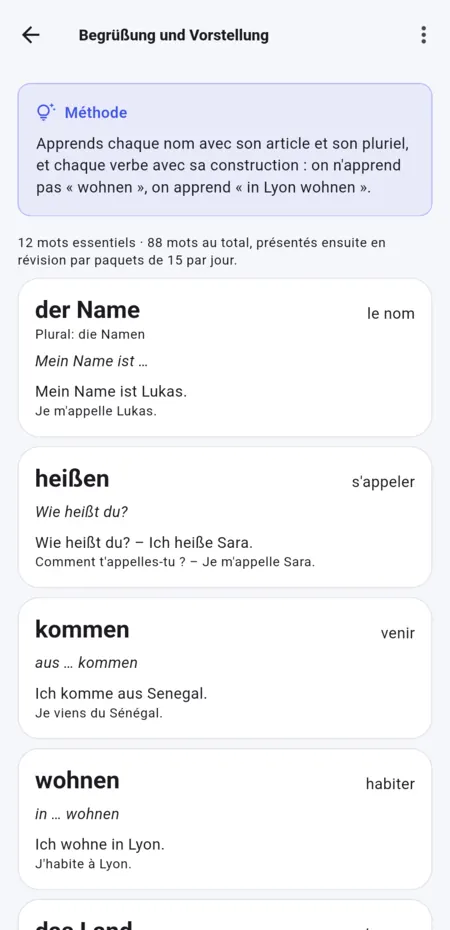
Every word in context
Article, plural, construction and a translated example: you don’t learn « abitare », you learn « abitare a Londra ».
Learn Italian in English
Guided lessons, listening, speaking, writing, mock exams, a tutor and a community: Avanti tells you what to do today and shows you how far you have come.
* For eligible new accounts, after the e-mail address is confirmed.
Guided tour
Screenshots taken in the app, just as you will install it.
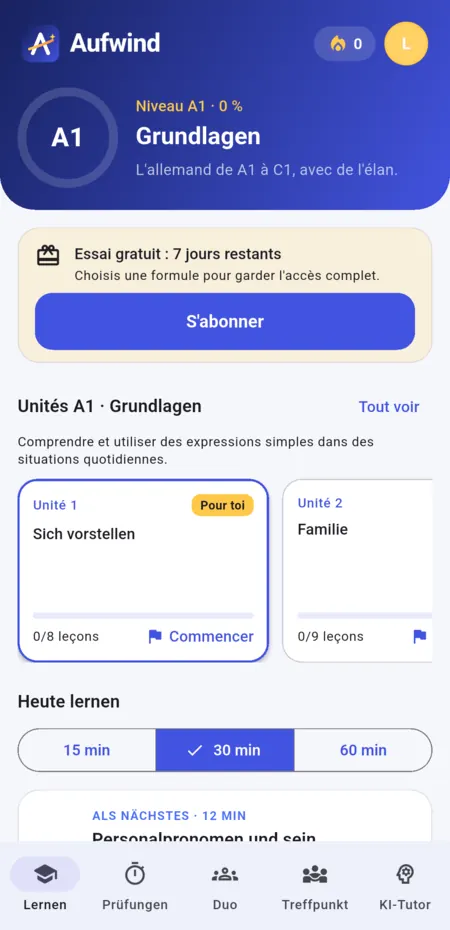
LearnYour course and today’s plan
LessonsWords, grammar, listening, speaking, writing
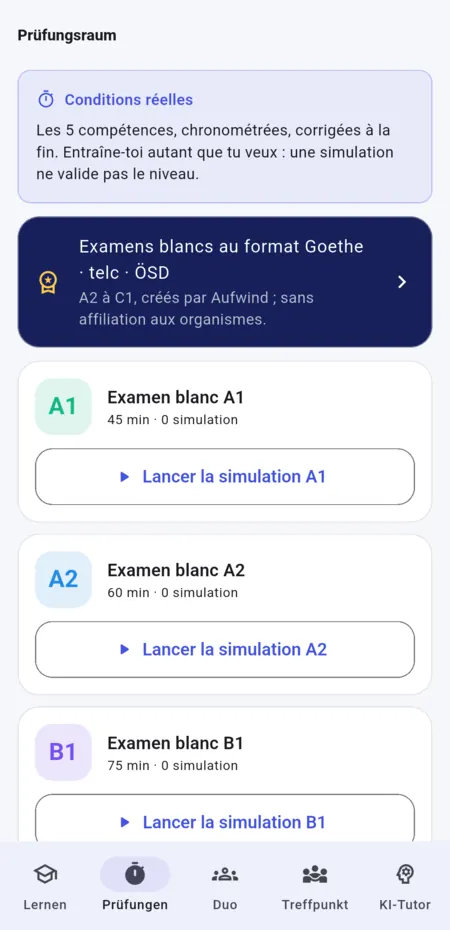
ExamsTimed mock exams
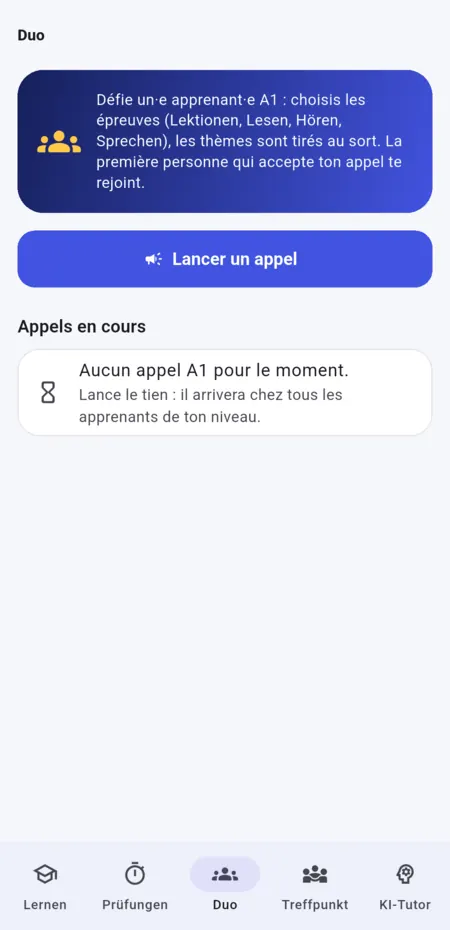
DuoA challenge for two, at the same level
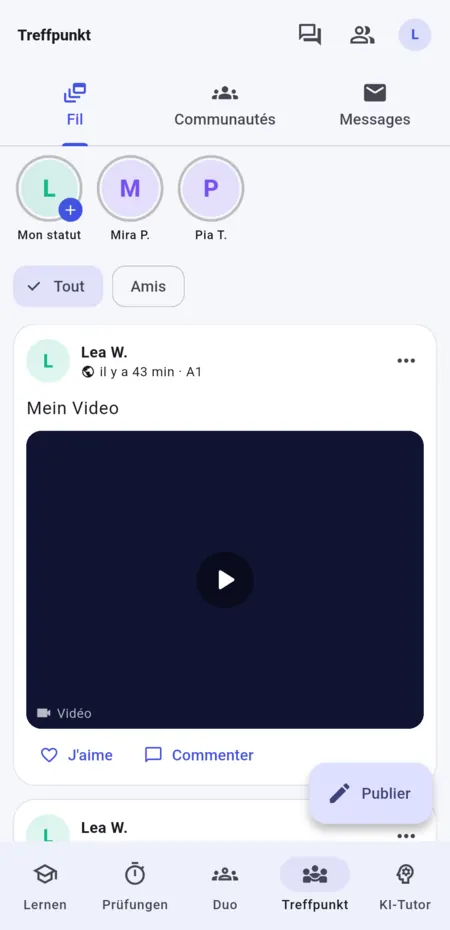
PiazzaPosts, groups and messages
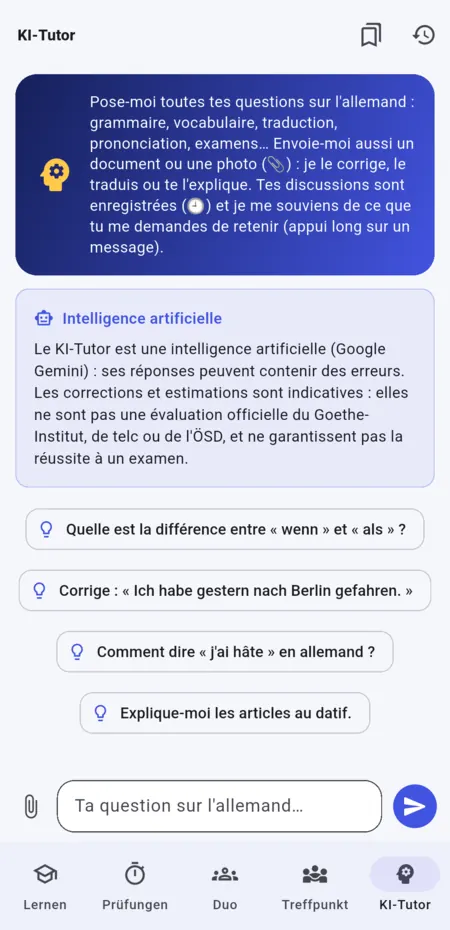
AI TutorYour Italian questions, any time
The method
Read · Remember
Article, plural, construction and a translated example: you don’t learn « abitare », you learn « abitare a Londra ».
Listen · Repeat
Dialogues at your own pace, then sentences repeated out loud.
Write · Understand
Fill in, reorder, write: every mistake comes with its explanation.
Ask
Grammar, vocabulary, translation, documents and photos. It is an artificial intelligence: its answers may contain errors.
Review
Spaced reviews, in small daily batches.
The path
An optional placement test helps you find your level. Your goal can be changed at any time in the settings.
Today’s plan adapts to a goal of 15, 30 or 60 minutes.
Level, unit, lesson, exercise, review: one idea at a time, without getting lost.
Where does the course stand? The content covers A1 to B2, but only the A1 course path is open at the moment. The mock exams available depend on the level and the exam.
Prepare without pressure
Get familiar with the papers and the time allowed with mock exams in the CILS, CELI and PLIDA format, created by Avanti, with no affiliation to these organisations.
Results and readiness estimates do not guarantee success in an official exam.
Together, you dare more
In Duo, send a short challenge to someone at your level. In Piazza, post texts, photos and videos, share a status, join groups and chat with other learners.
Your public profile shows your first name, the initial of your last name, your level and your photo. You can report or block someone at any time.
Your turn
Start on your phone or computer: your account follows you from one device to another.
Android
Download the file, open it and follow the steps shown by Android.
Download for Android Android 7 or lateriPhone · iPad
Open Avanti in Safari, then “Share” and “Add to Home Screen”. Notifications work once the app has been added.
Open in Safari Allow the microphone for speaking exercisesComputer
Open the web app and sign in with the same account.
Open Avanti Internet connection requiredTo get started: a 7-day free trial for eligible new accounts. The subscription and its terms are shown in the app before any purchase.
Good to know
Avanti sends no newsletter: only e-mails needed for your account (activation code, reminders about the trial or subscription). Deleting your account stops all e-mails.
No. The A1 course is designed to start from the basics. You can indicate your current level when you create your account.
In English or French, as you choose. You can change your support language at any time in the settings.
A 7-day free trial is offered to eligible new accounts after the e-mail address is confirmed. After that, a subscription is needed to continue; its terms are shown in the app.
On Android, open the downloaded file and follow the instructions on screen. On iPhone and iPad, open the link in Safari before adding it to the Home Screen.
The microphone is used for pronunciation and speaking activities. Notifications tell you about a message, a friend request, a comment, a Duo call or the end of your subscription. You can turn them off in the settings.
Registration is reserved for adults. The rules that apply in your country can be found on the “Rules in my country” page.